Exbil in your pocket.
Server hanging? Restart it from your phone. New login? Confirm it by push. Your servers, invoices and support, wherever you are.
Scan with your iPhone camera to install
Android is in the works. Until then, the customer area works in any mobile browser.
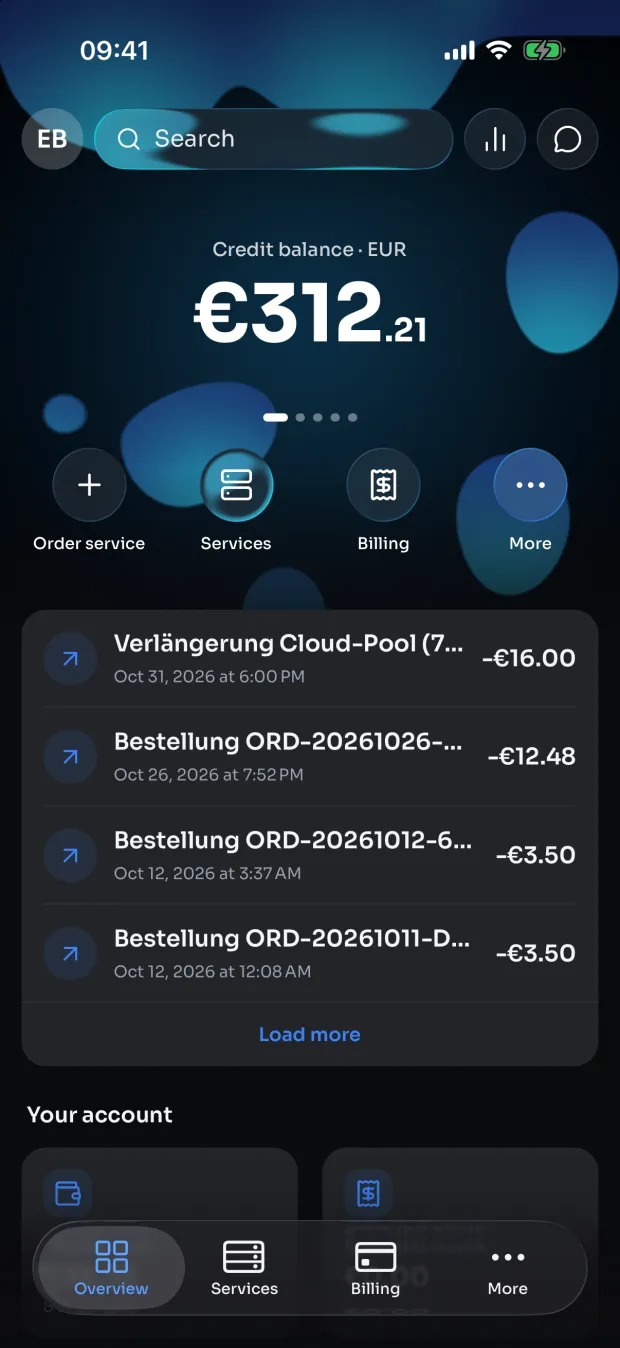
A look inside the app
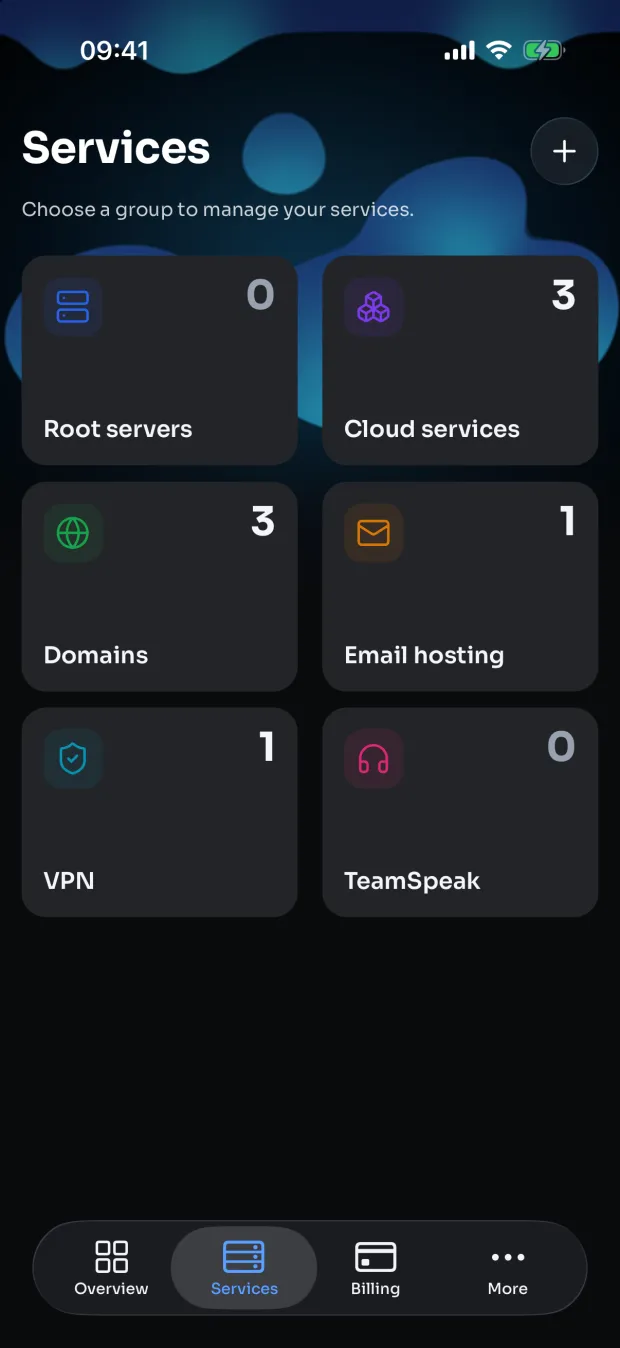
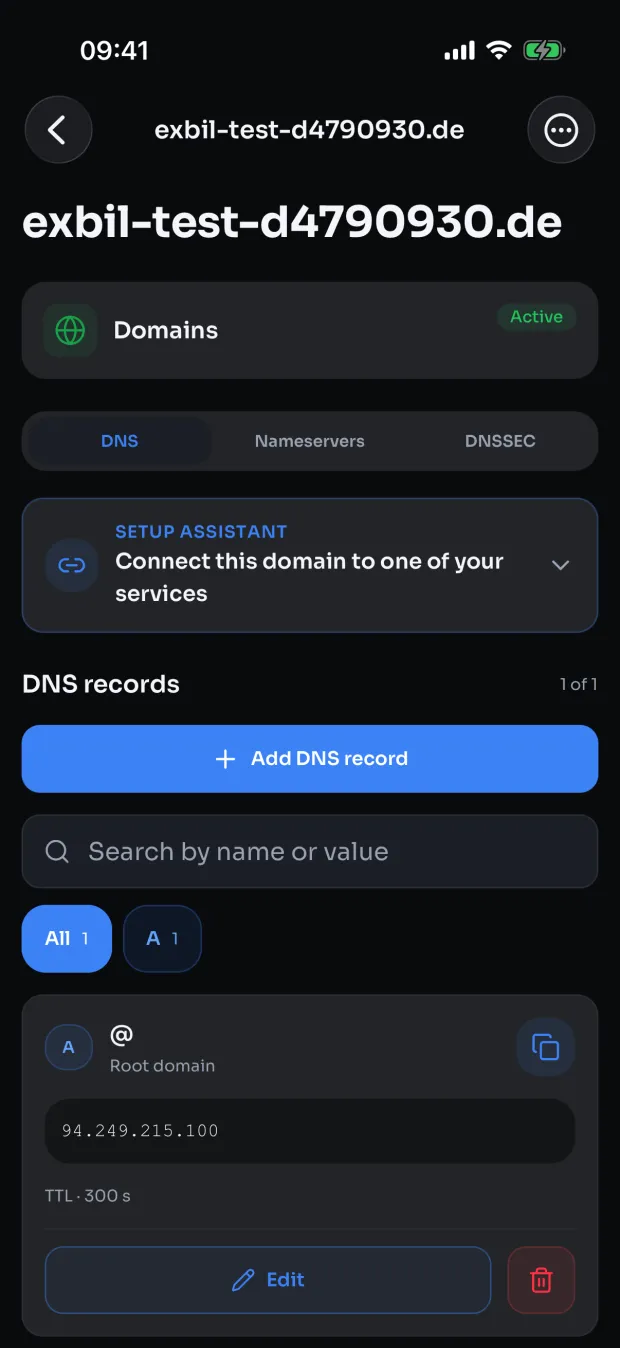
Everything you need, without a laptop
The app is made for managing what you already have at Exbil.
Servers under control
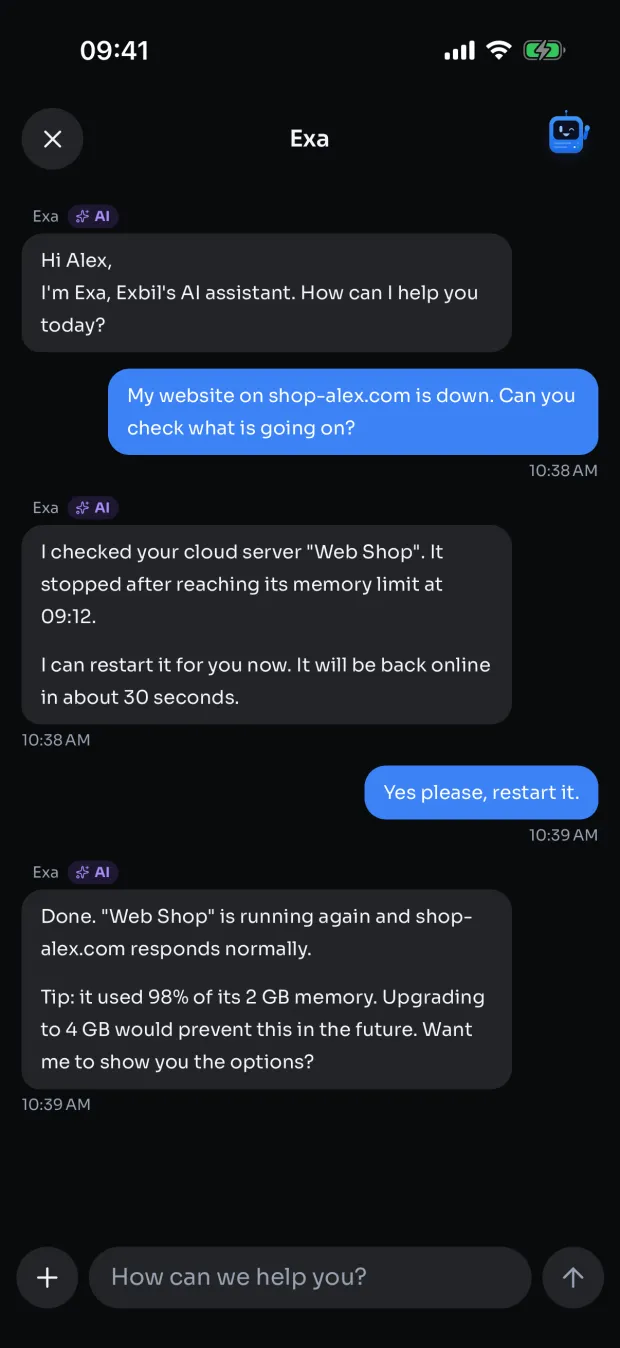
Start, stop and restart servers, open the console or VNC and check their status, wherever you are.
Confirm logins by push
Exbil Guard asks on your phone before a new login to your account goes through.
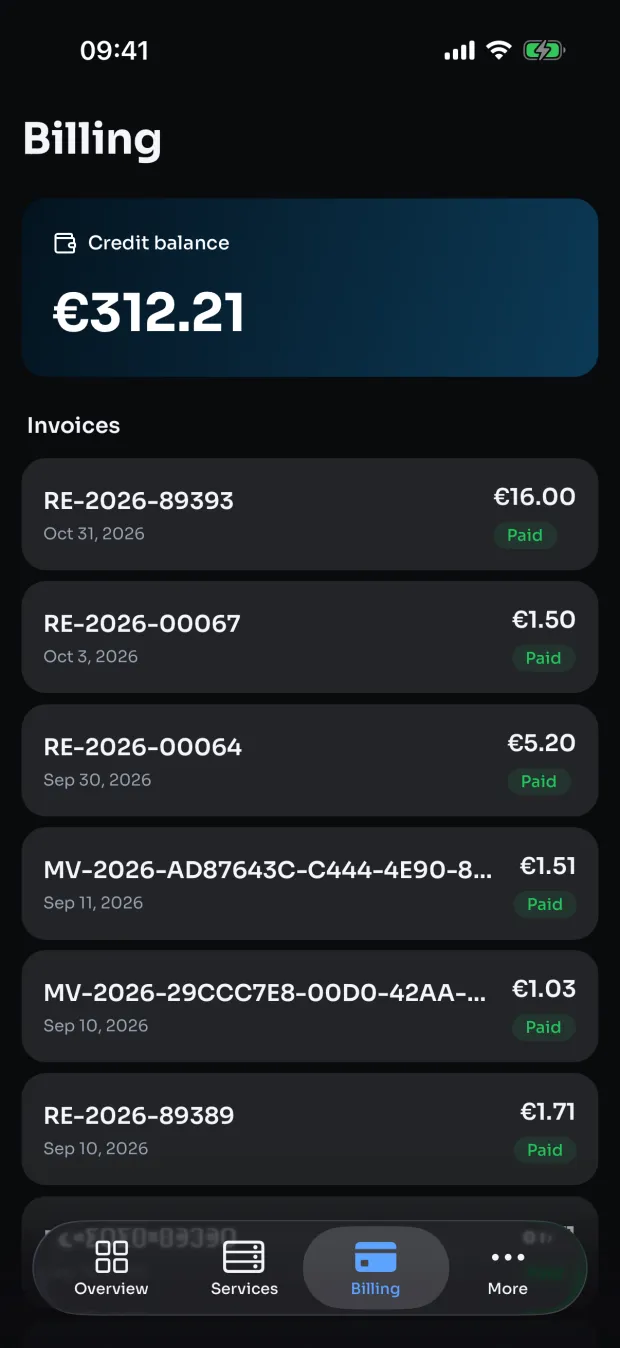
Invoices and contracts
See invoices, contracts, balance and transactions at a glance.
Support in your pocket
Open tickets, chat with our team and search the help center, with a notification when we answer.
Order on the go
Book new products and manage domains and VPN logins right in the app.
Locked with Face ID
Protect the app with Face ID or Touch ID, so nobody else gets into your account.
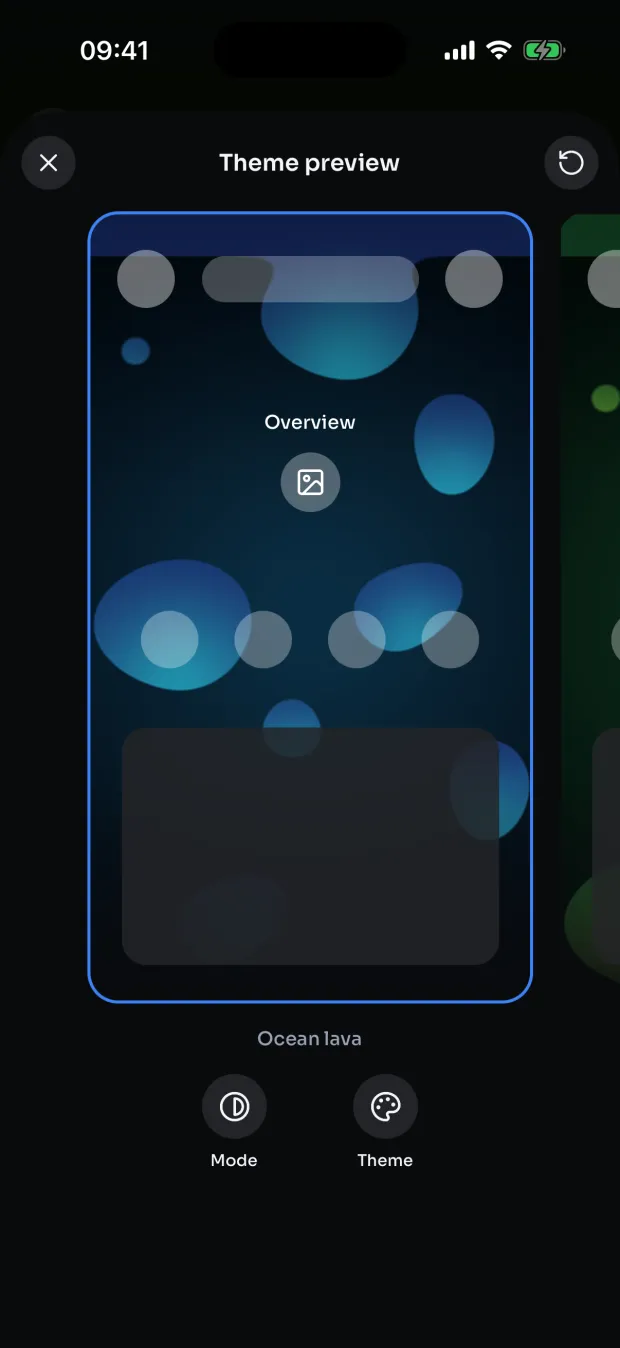
Make it yours
Choose your theme, app icon and language.
iPhone and iPad
One app for both devices, signed in with your Exbil account.
Installed in three steps
The app is in public beta. Apple distributes it through TestFlight until it reaches the App Store.
- 1
Install TestFlight
Apple's free TestFlight app is where beta apps are installed. You will be taken there from the invite link.
- 2
Open the invite
Tap the button on your iPhone or scan the QR code with the camera, then tap “Install”.
- 3
Sign in
Log in with your existing Exbil account. Updates arrive automatically through TestFlight.
For iPhone and iPad. Free, sign in with your Exbil account.